
Old Photo Restoration
NEWRepair scratches, tears, creases and fading in one click — and colorize black-and-white photos if you want. Faces and everything else in the frame stay exactly as they were.
Example — drag to compare
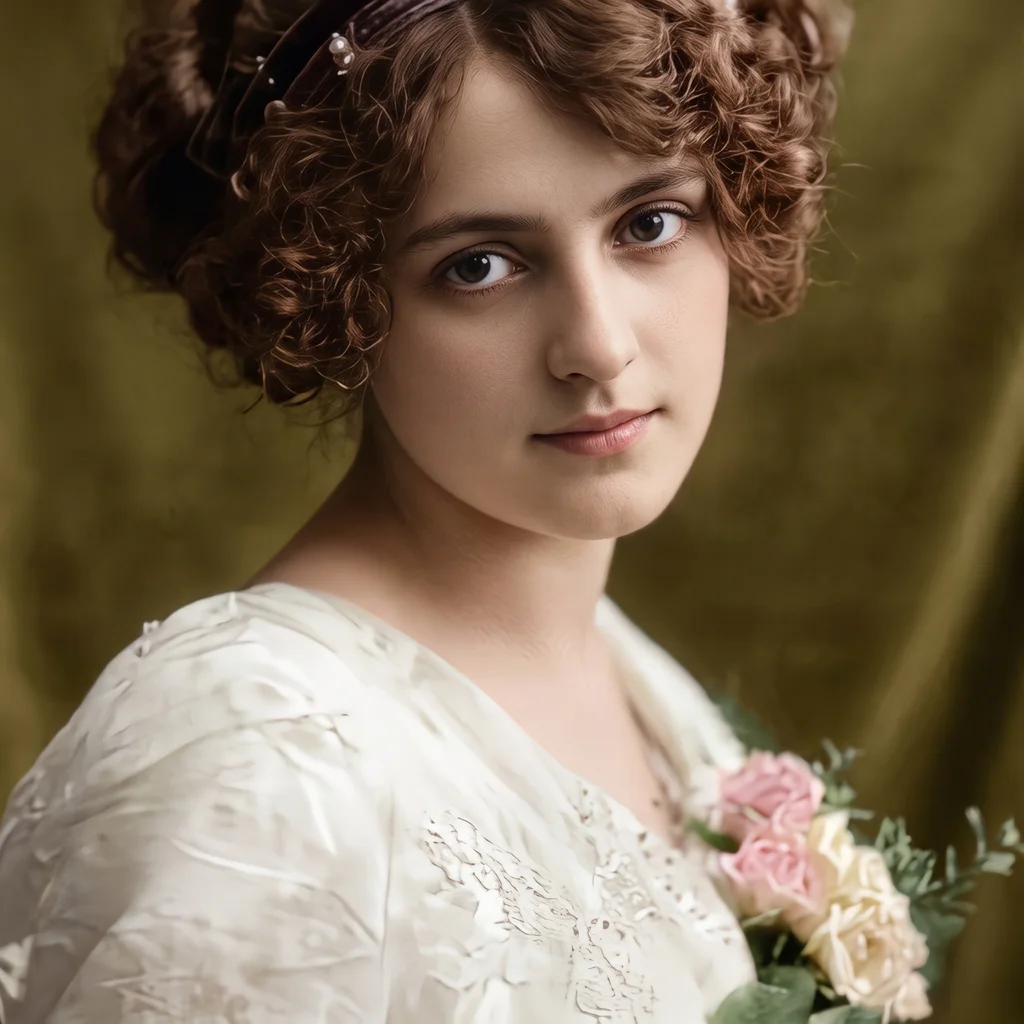
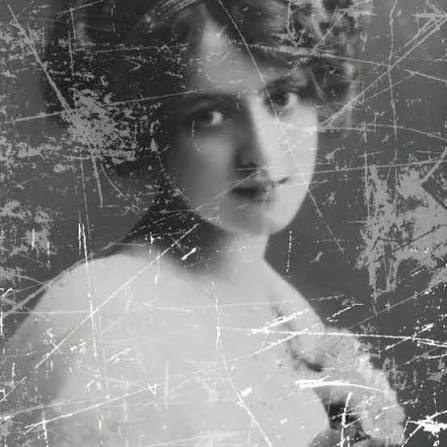 OriginalRestored
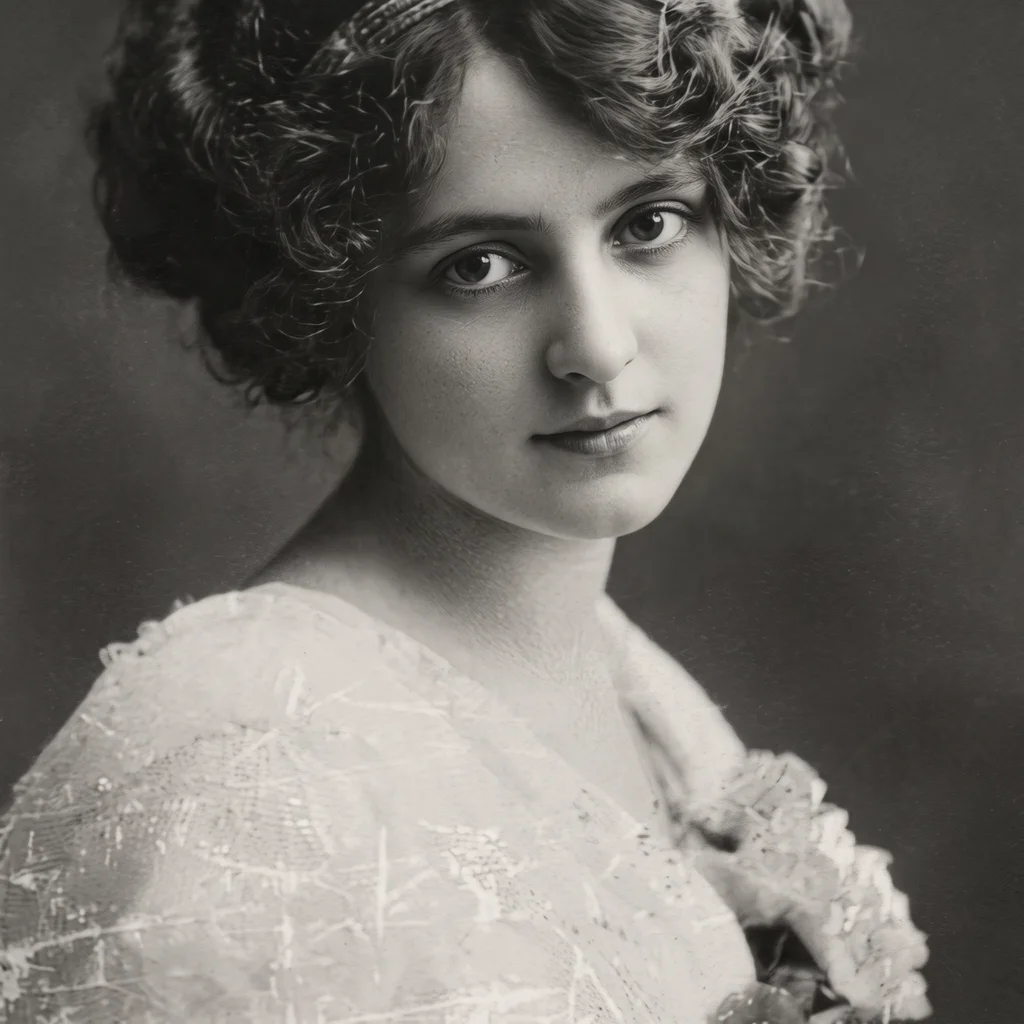 OriginalRestored
Your restored photo will appear here.
25 credits per restoration · high-detail 40 · colorizing costs nothing extra
Key Features of Old Photo Restoration
Why creators pick PixRoute for photo restoration.
Repairs the damage, not the memory
Scratches, tears, creases, stains, dust and faded patches are repaired, and missing corners are reconstructed from what surrounds them. The instruction the model works under is strict: nothing may be added, removed or moved, and nobody gets makeup, a beauty filter or a younger face. The person in the restored photo is the person in the original.
Colorize, or keep it black and white
One toggle chooses between realistic, historically plausible colorization — natural skin tones, believable fabric and background colors — and a faithful black-and-white restoration that only recovers tonal range and contrast. Both cost the same, so the choice is about taste, not price.
Handles the paper, not just the picture
Old prints arrive with borders, torn edges, punch holes, tape and glue stains. The tool treats those as damage to remove, returning just the photograph itself, filling the full frame at its original proportions — nothing is cropped or recomposed.
Built on the strongest editing model we ship
We tested every dedicated restoration endpoint we could find against Google's Nano Banana 2 on the same damaged portraits. The dedicated tools either altered faces, refused to colorize, or silently cropped the picture. Nano Banana 2 repaired everything and kept the person unmistakably themselves — so that is what this tool runs, with a tuned preset prompt.
Two honest quality steps
Standard returns about one megapixel — right for sharing on a phone or a small print. High detail returns about four megapixels for bigger prints and heavier damage. The higher tier costs more because the model charges us more to produce it, not because anything is held back.
Restore, then upscale or animate
One click sends the restored photo into the image upscaler at 2× or 4× for printing, or into image-to-video to turn a still moment into a short clip. Every run is saved to My Creations, and failed runs refund automatically.
How the Old Photo Restoration Works
Upload the old photo
Scan it, or photograph it straight-on in even light, and drop the JPEG, PNG or WebP (up to 10MB) onto the tool. The sharper your capture of the print, the more the restoration has to work with.
Choose color and quality
Pick Colorize for realistic period color or Keep original tones for a faithful black-and-white repair, then Standard or High detail. An optional notes field takes anything you know or want — real hair and clothing colors, the mood of the light. The exact price sits on the button.
Compare, download, continue
Drag the slider across the result to check every face against the original, download the PNG, or send it on — into the upscaler for a print-ready enlargement, or into a generator to animate it.
Old Photo Restoration FAQ
How much does a restoration cost?+
25 credits at Standard quality and 40 at High detail, shown on the button before you run anything. Colorizing is part of the same run — it never costs extra. If a run fails, the credits come back automatically.
Will the faces still look like my relatives?+
That is the property this tool is built around. The restoration instruction explicitly forbids changing identity, expression, age, pose or clothing, and forbids beautifying. AI restoration does reconstruct detail, though, so always check the compare slider over faces before printing — especially on very small or very blurred originals.
Can it colorize black-and-white photos?+
Yes — that is the default. It paints realistic, historically plausible colors: natural skin, believable clothing and background tones. If you would rather keep the picture black and white, one toggle switches to a repair-only restoration that preserves the original character.
Can I tell it what colors things actually were?+
Yes. The notes field passes your knowledge straight into the restoration — "her hair was dark brown, the dress was pale blue" — and the model follows it when colorizing. The same field takes taste: "warm evening light", "soft muted colors". Notes can never override the identity rules, so they steer color and mood, not faces or composition.
Are the colors historically accurate?+
They are plausible, not documented. The model chooses colors that fit the period and the materials, but it cannot know that a particular dress was blue. For family history purposes treat colorization as an interpretation — the black-and-white restoration is the faithful record.
What kinds of damage can it fix?+
Scratches, tears, creases, stains, dust, fading, yellowing and general softness, including reconstructing small missing areas from their surroundings. It also removes paper borders, punch holes and tape marks so the photograph fills the frame. Severe damage across a face is the hardest case — the repair will be plausible, but check it closely.
Should I scan the photo or just take a picture of it?+
A flatbed scan at 300–600 DPI is ideal, but a phone photo works well if you shoot straight-on, in even light, without flash glare. Avoid shooting at an angle — the tool restores damage, it does not correct perspective.
What resolution do I get back?+
About 1 megapixel at Standard and about 4 megapixels at High detail, at your photo's own proportions. For a large print, run the result through the image upscaler afterwards — the restored file hands off with one click at 2× or 4×.
Does it work on photos of people who are recognizable?+
Yes. Family photos are what it is for, and portraits restore particularly well. The model preserves the person rather than replacing them — that is exactly what we selected it for.
Is there a watermark?+
No. You get the full restored image as a PNG with nothing stamped on it. We charge for the run instead of holding the result hostage.
Do I need an account?+
Yes. Runs go through the same queue and credit ledger as everything else on PixRoute, so they have to belong to someone — and your restorations stay in My Creations instead of vanishing with the browser tab.
Restore it, then bring it to life
The restored photo drops straight into the upscaler for printing, or into a generator to animate it.
Restore a photoFree credits to start. No card required.